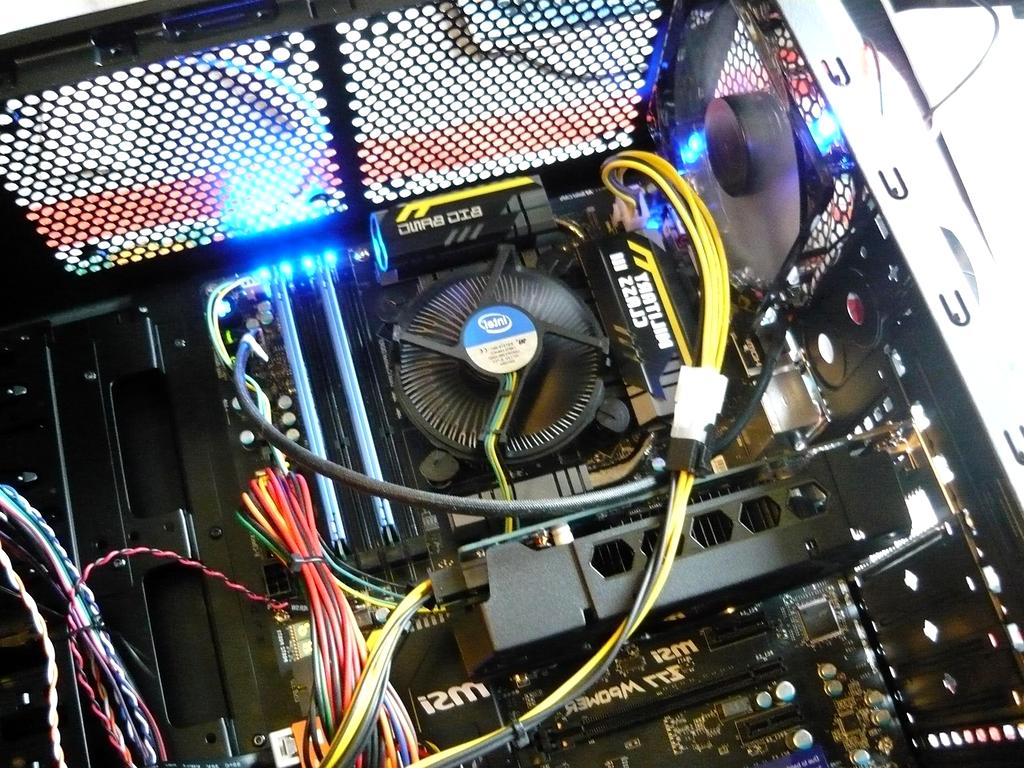
Understanding Component Compatibility
Ensure flawless system performance by matching the right hardware components. Dive into motherboard sockets, RAM types, GPU compatibility, and peripheral standards to build a balanced and efficient PC.
Why Compatibility Matters
Building or upgrading a computer requires careful consideration of component compatibility. Mismatched parts can lead to performance bottlenecks, system instability, or even hardware damage. This section breaks down essential compatibility aspects to guide your hardware selection.
CPU and Motherboard Socket
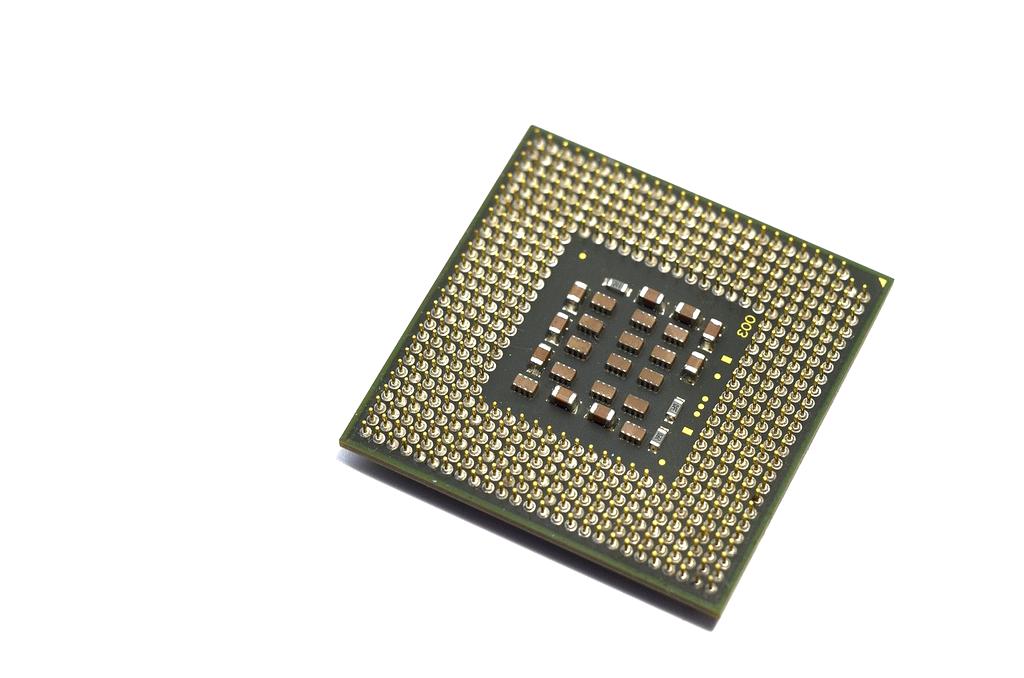
The processor's socket type must match the motherboard's socket for proper fit and operation. Popular types include LGA and AM4, each supporting different CPU models and generations.
RAM Type and Speed
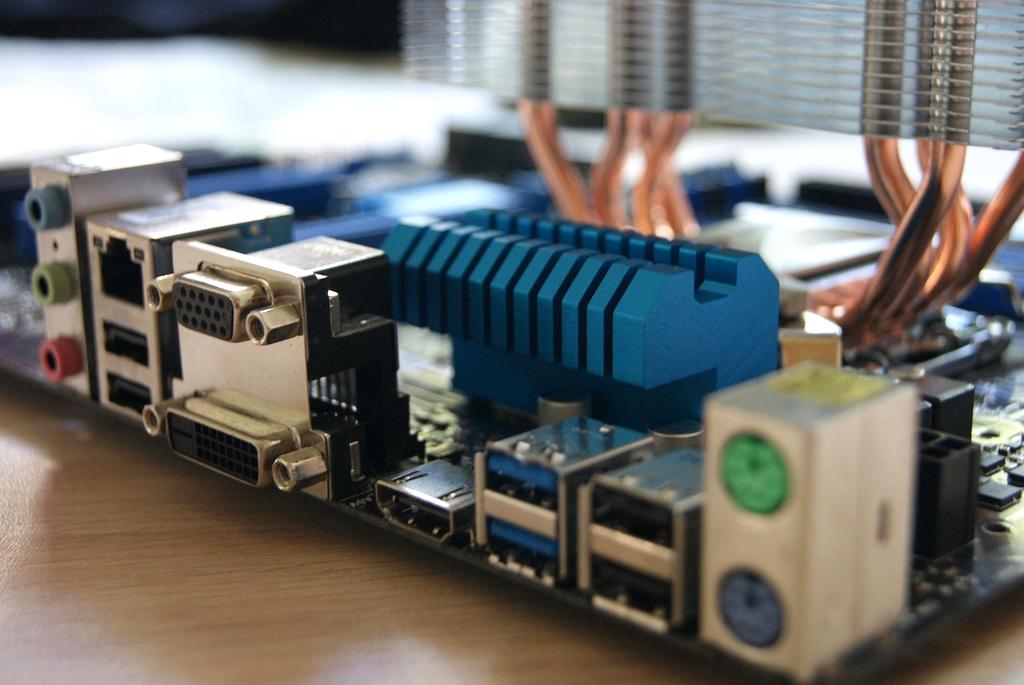
RAM compatibility depends on the motherboard specifications: DDR3, DDR4, or DDR5. Using supported modules ensures system stability and optimal memory performance.

GPU and Expansion Slots
Graphics cards connect via PCIe slots on motherboards. Verifying slot generations and physical space ensures full GPU compatibility without bottlenecks.

Power Requirements
Supplies must match voltage and connector needs of components. Proper wattage and connectors guarantee stable operation and avoid damage risks.
Storage Interface Compatibility
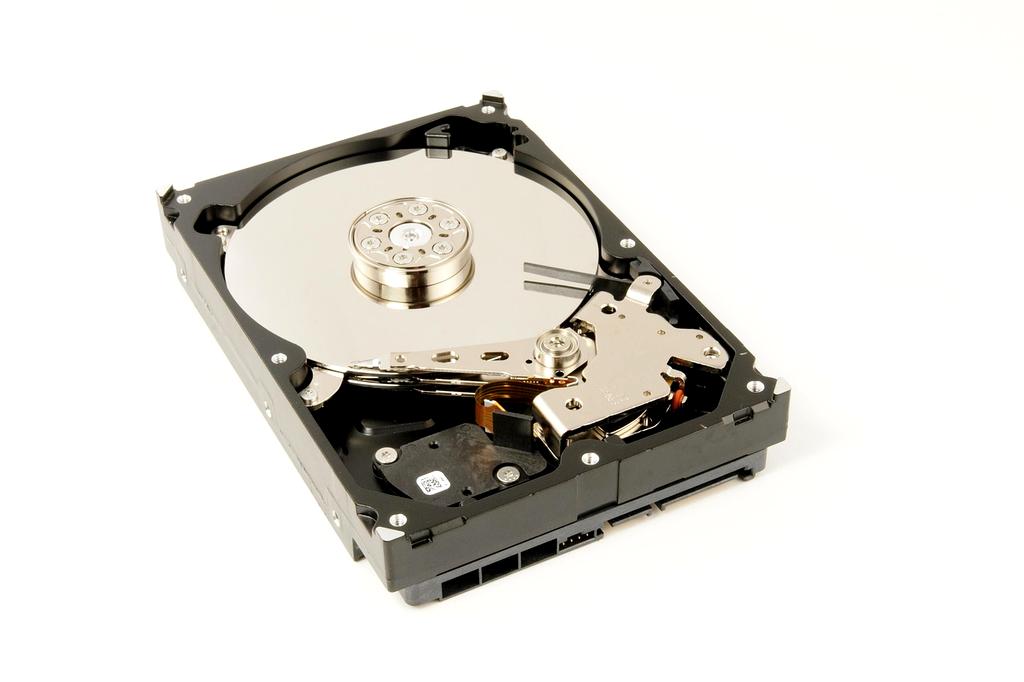
Compatibility between SATA, NVMe, and motherboard slots matters. Correct drive types ensure bootability and fast data access rates.

Peripheral Connectivity
Matching ports and interfaces like USB, Thunderbolt, or HDMI guarantees seamless integration of external devices and accessories.
Pro Tips for Ensuring Compatibility
- Always consult motherboard specification sheets before purchasing components.
- Use manufacturer compatibility lists and online configurators as reliable resources.
- Verify BIOS updates to improve component support, especially for newer CPUs or RAM.
- Check physical dimensions for cases and cooling solutions to avoid clearance issues.
- Balance system power requirements with a reliable and efficient power supply unit.
Configure Your Custom System
Get personalized recommendations from our hardware experts and receive a tailored build quote within 24 hours
Why Choose Our Custom Builds?
5-Year Warranty
Comprehensive coverage on all components and labor
Expert Consultation
Free lifetime technical support from certified engineers

Performance Testing
72-hour burn-in testing ensures optimal stability